Photo book or layflat: which one do your photos need?
Both have a hard cover and heavy pages. A photo book curves into the spine. A layflat opens completely flat, so a photo can run across two pages without a break.
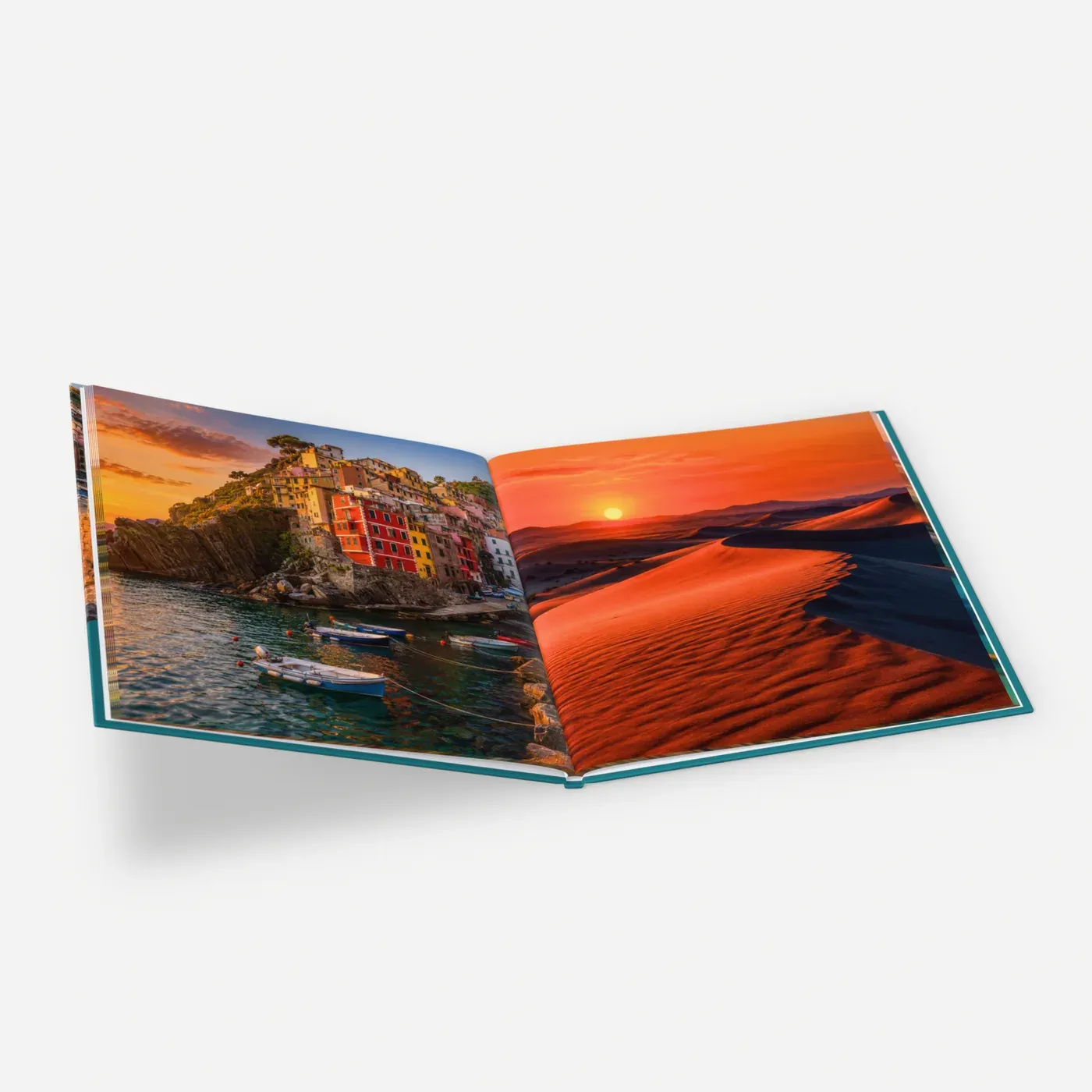 Photo bookFrom €20.76
Up to 400 pages, heavy gloss or matte paper. Curves gently at the spine.
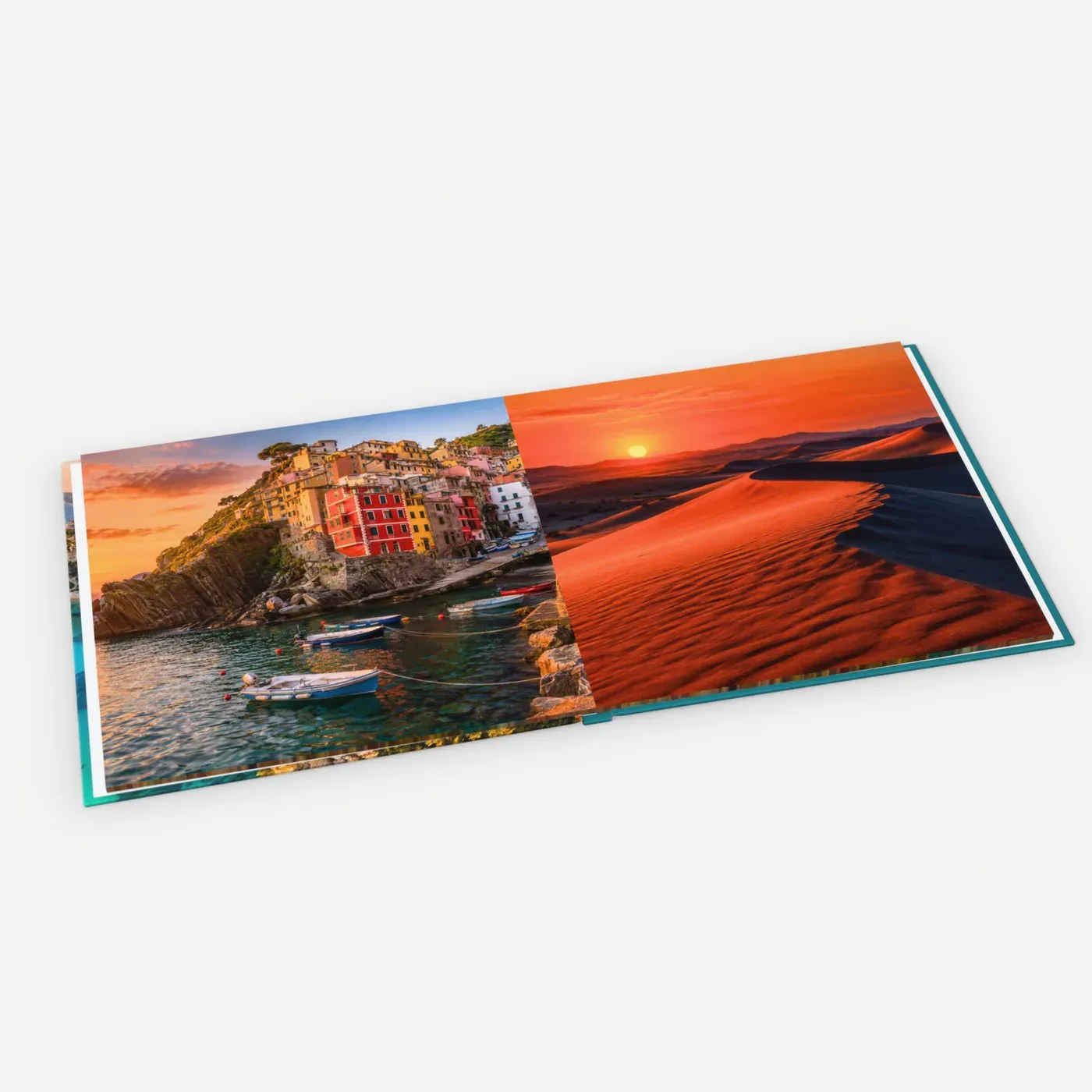 Lay-flat photo bookFrom €29.99
Thick pages that open flat, so panoramas cross the middle unbroken.
- Photo book: 24 to 400 pages
- Layflat: 24 to 140 thick pages
- Both with a hard cover
Pros and cons
Photo book
Best for: Holidays, a year in photos, family albums with many pages
Good to know
- Up to 400 pages
- Heavy gloss or heavy matte paper
- Lower price, and each extra page adds less
Keep in mind
- Pages curve into a fold in the middle (the gutter)
- A photo across two pages loses its centre
Layflat
Best for: Weddings, portfolios and panoramas
Good to know
- Opens flat, with no gutter
- Panoramas run across the spread unbroken
- Thick, stiff pages; lies open on a table
Keep in mind
- Up to 140 pages
- Costs more, and each extra page adds more
- One paper type
Prices at 40 and 100 pages
One copy with the cheapest cover and paper.
21 × 21 cm, 40 pages
- Photo book
- from €27.96
- Layflat
- from €40.71
21 × 21 cm, 100 pages
- Photo book
- from €54.96
- Layflat
- from €80.91
30 × 30 cm, 40 pages
- Photo book
- from €38.33
- Layflat
- from €52.75
30 × 30 cm, 100 pages
- Photo book
- from €86.33
- Layflat
- from €119.35
Per copy, incl. VAT, without shipping. Layflat pages cost more each, so most layflats are a selection of 40 to 80 pages.
Sizes
| Size | Available as |
|---|---|
| 21 × 21 cm | Photo book and layflat |
| 30 × 30 cm | Photo book and layflat |
| A5 landscape | Photo book and layflat |
| A5 portrait | Layflat |
| A4 portrait and landscape | Photo book and layflat |
| 35 × 29 cm landscape | Photo book and layflat |
| 29 × 35 cm portrait | Photo book |
Designing for the gutter
In a photo book the pages are glued at the spine, so they bend into the middle. Nothing is cut off, but a face or horizon in the middle of a spread is hard to see. Keep a wider margin on the inside edge, put titles on one page, and only run a photo across two pages when the middle is sky, sea or a wall.
A layflat has no gutter, but its pages are thick: at 100 pages the spine is about 3 cm, against about 1 cm for a photo book. The product page gives the exact width.
Setting up a layflat file
Design in spreads, upload as pages. This works in InDesign, Affinity Publisher, Canva or any tool that exports a PDF.
- 1
Facing pages at the book size
Single pages at the trim size, for example 210 × 210 mm, facing pages on, 3 mm bleed. Page 1 is a right-hand page on its own; then the spreads are pages 2-3, 4-5 and so on.
- 2
Photos across the spread
Drag a panorama across both pages. No bleed or margin in the middle. Across an A4 landscape spread a photo is almost 60 cm wide: aim for 7000 pixels, 3500 at least.
- 3
Export as single pages
Export a PDF of pages. A PDF of spreads from a photographer also works: we split each spread in two. JPEG spreads go into a PDF first.
- 4
Cover last
A separate file with 19 mm bleed to wrap the board. Its width depends on the spine, so fix your page count first. See how to make a print-ready PDF.
Which one for which album
- A wedding albumLayflatBig photos across the spread, no faces in the fold. More in the wedding album guide.
- A holiday or a year in photosPhoto bookMany pages, one photo per page. Ideas in the travel photo book guide.
- A photographer's portfolioLayflatLies open on the table and shows every image whole. See portfolio printing.
- A baby's first yearPhoto bookLots of pages at a lower price.
- More than 140 pagesPhoto bookA layflat stops at 140. Put panoramas on one page each.
How it works
Upload your file
Choose a product, a size and options, and add your PDF or photo. We check it right away and show you a preview, before you pay.
We print it
We print your order in the Netherlands on the paper or material you chose, from a single piece. No minimum order, no account needed.
We bring it to your door
We ship it to every country of the EU, with tracking. The checkout shows the delivery date for your address.
Questions
What is a layflat photo book?
Is layflat worth the extra cost?
How many pages can a layflat have?
Can I choose the paper?
My photographer delivered spreads. Can I use them?
More ideas and guides
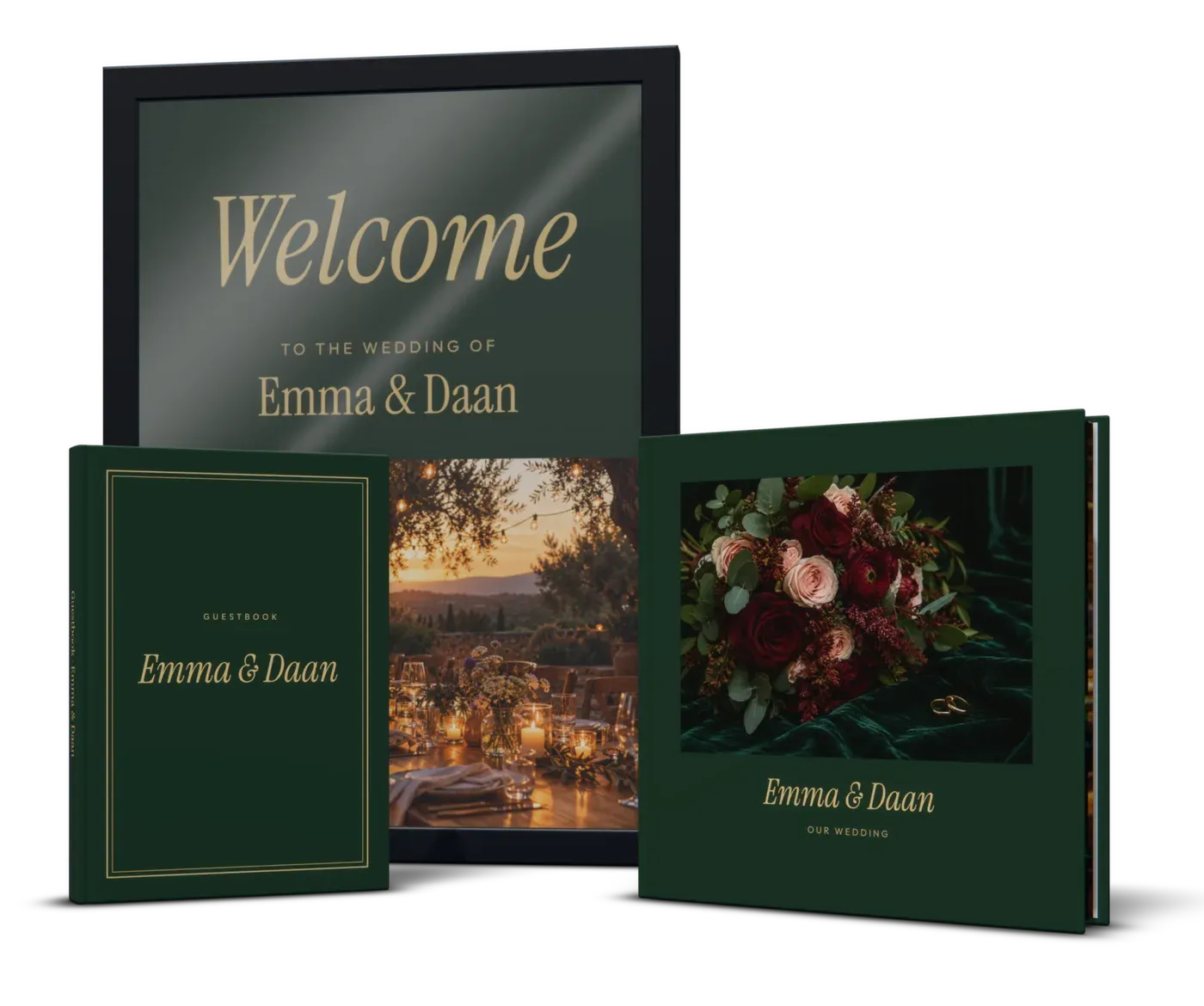
All ideas and guidesWedding album printing, and a guestbook to match
Wedding album printing from one copy: a layflat that opens flat, from your own PDF or your photographer's spreads. Plus the guestbook and the seating chart.
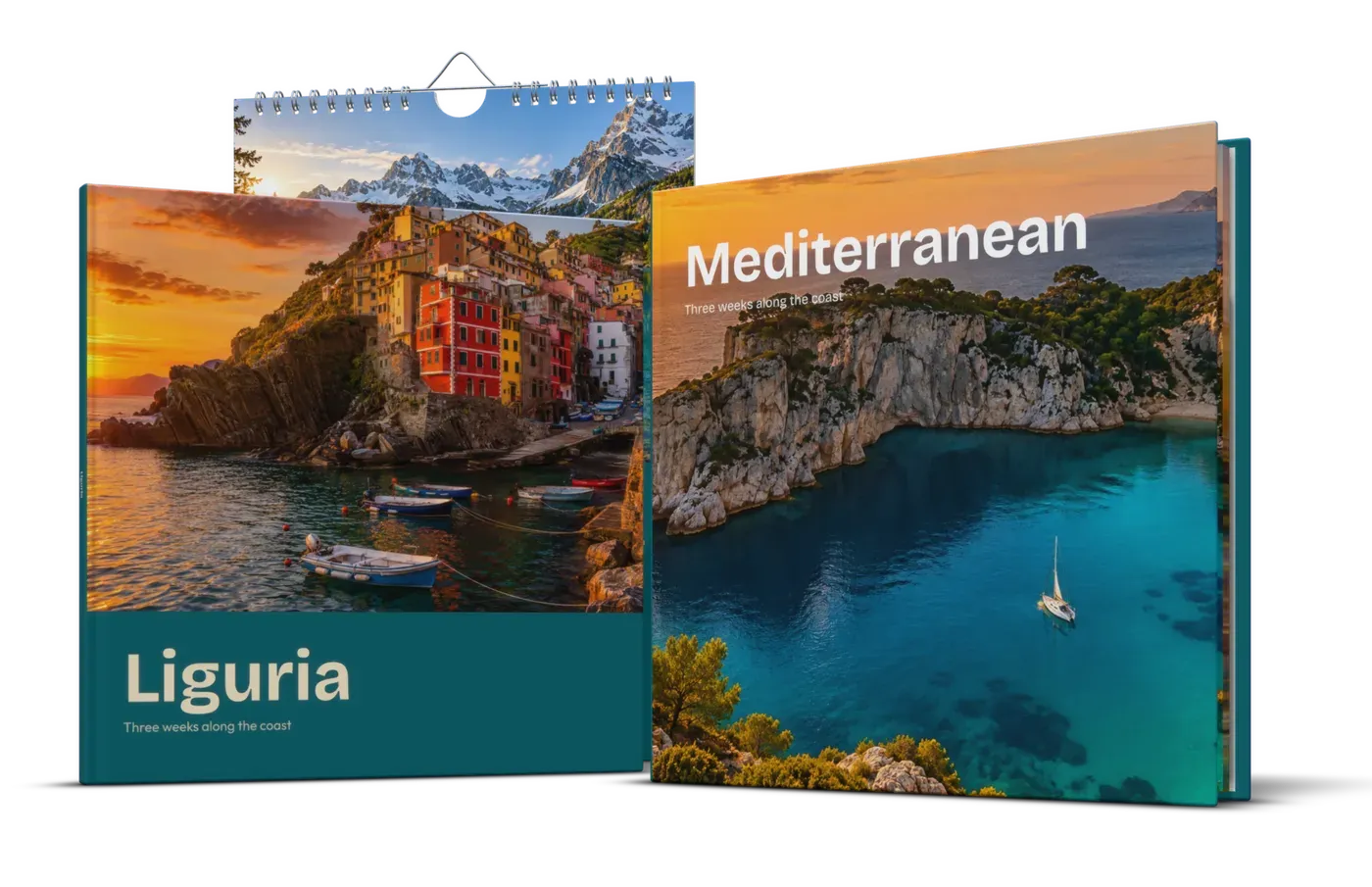
Make a travel photo book of your trip
Make a travel photo book of your trip: choosing photos, a route map, photos per page and pixel sizes. As a layflat or photo book, printed from one copy.
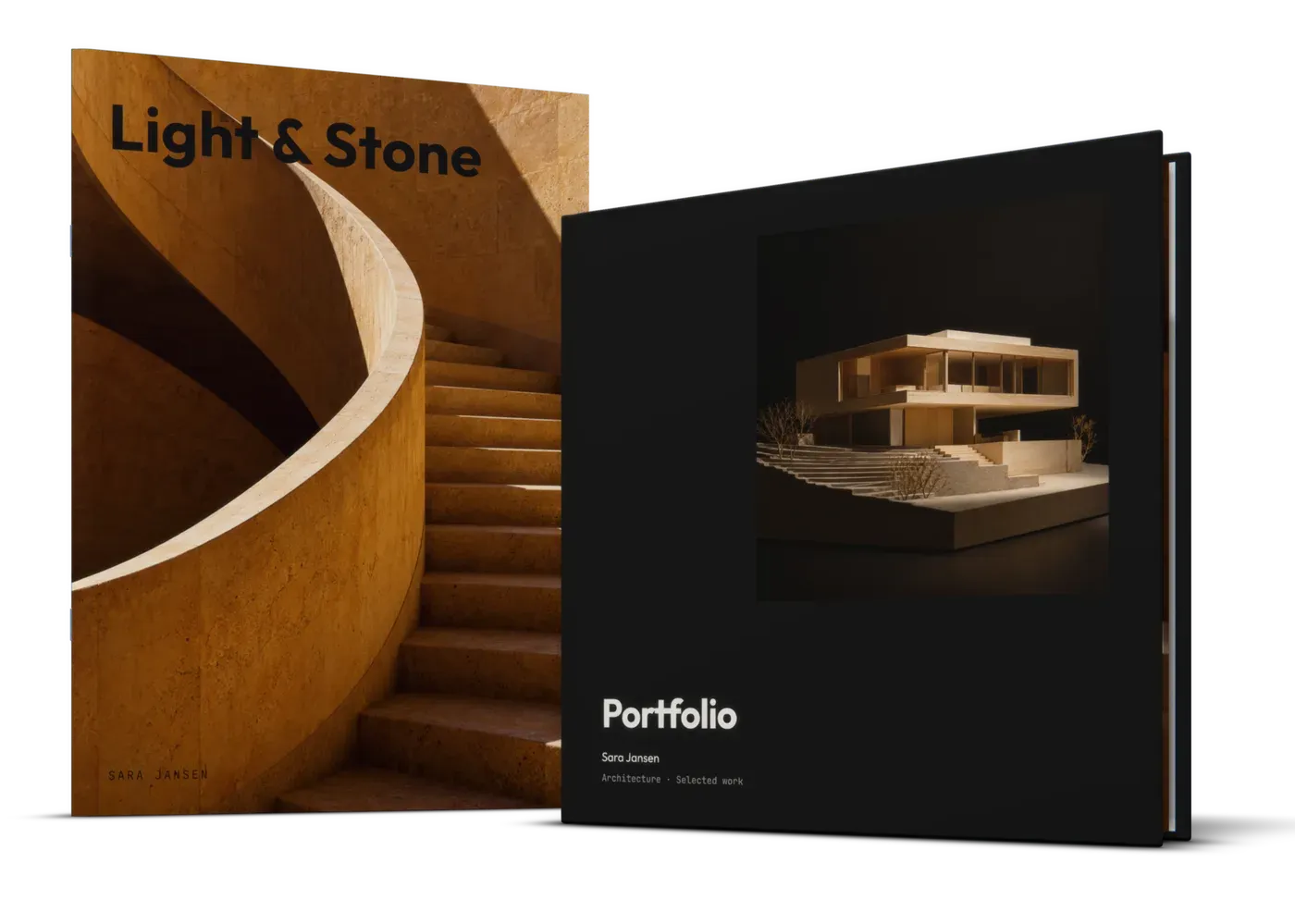
Print your portfolio as a book
Portfolio book printing for design, architecture, art or photography: layflat, hardcover, magazine or spiral book. From one copy, with a preview before you pay.
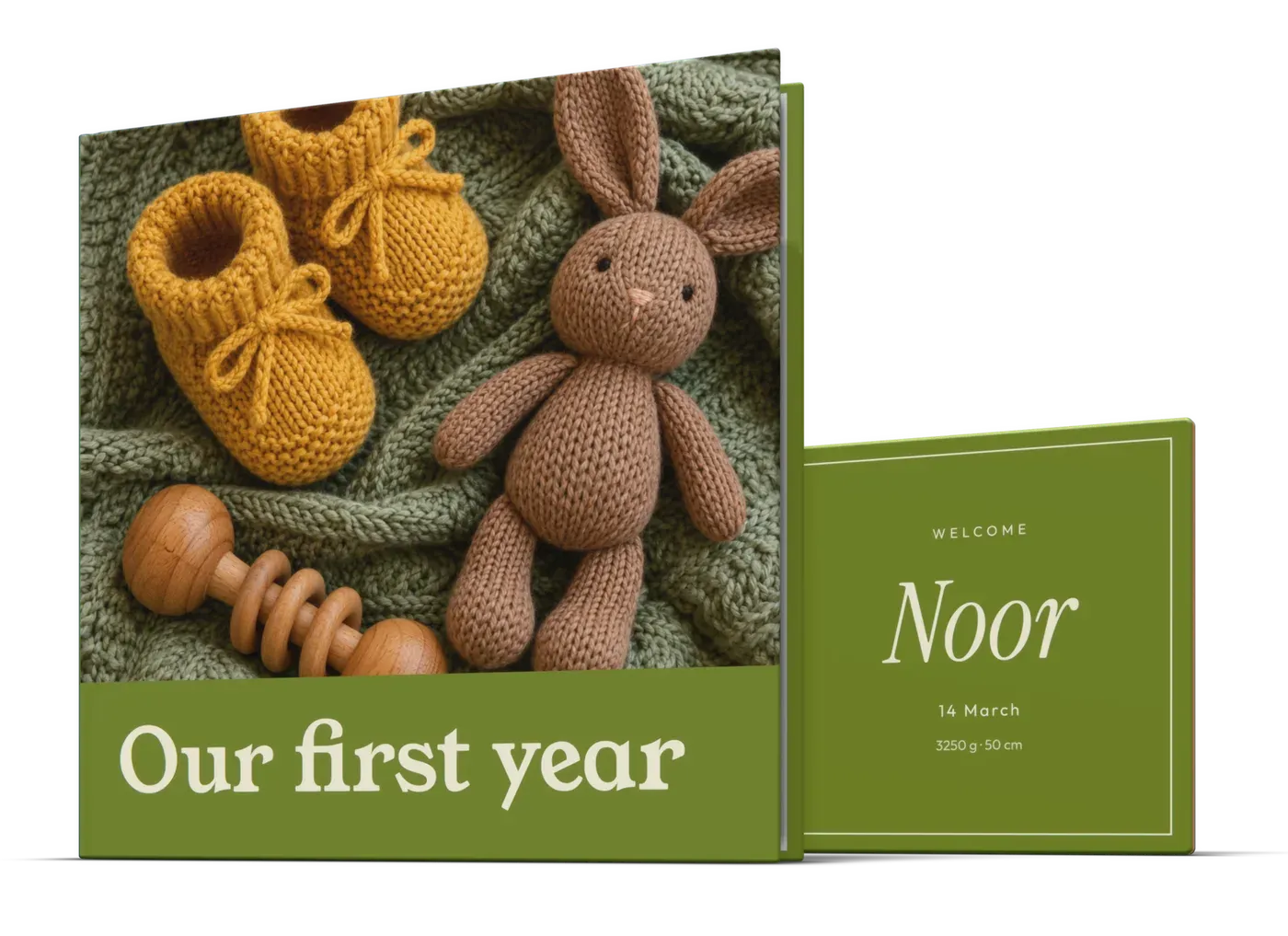
A photo book of your baby's first year
Make a photo book of your baby's first year: a photo a month, the milestones and what you want to remember. Plus a birth tile and a calendar for grandparents.
Square book printing
Square book printing from one copy: 14 × 14, 21 × 21 or 30 × 30 cm. For photo books, picture books and art, with prices, pixel sizes and layout tips.
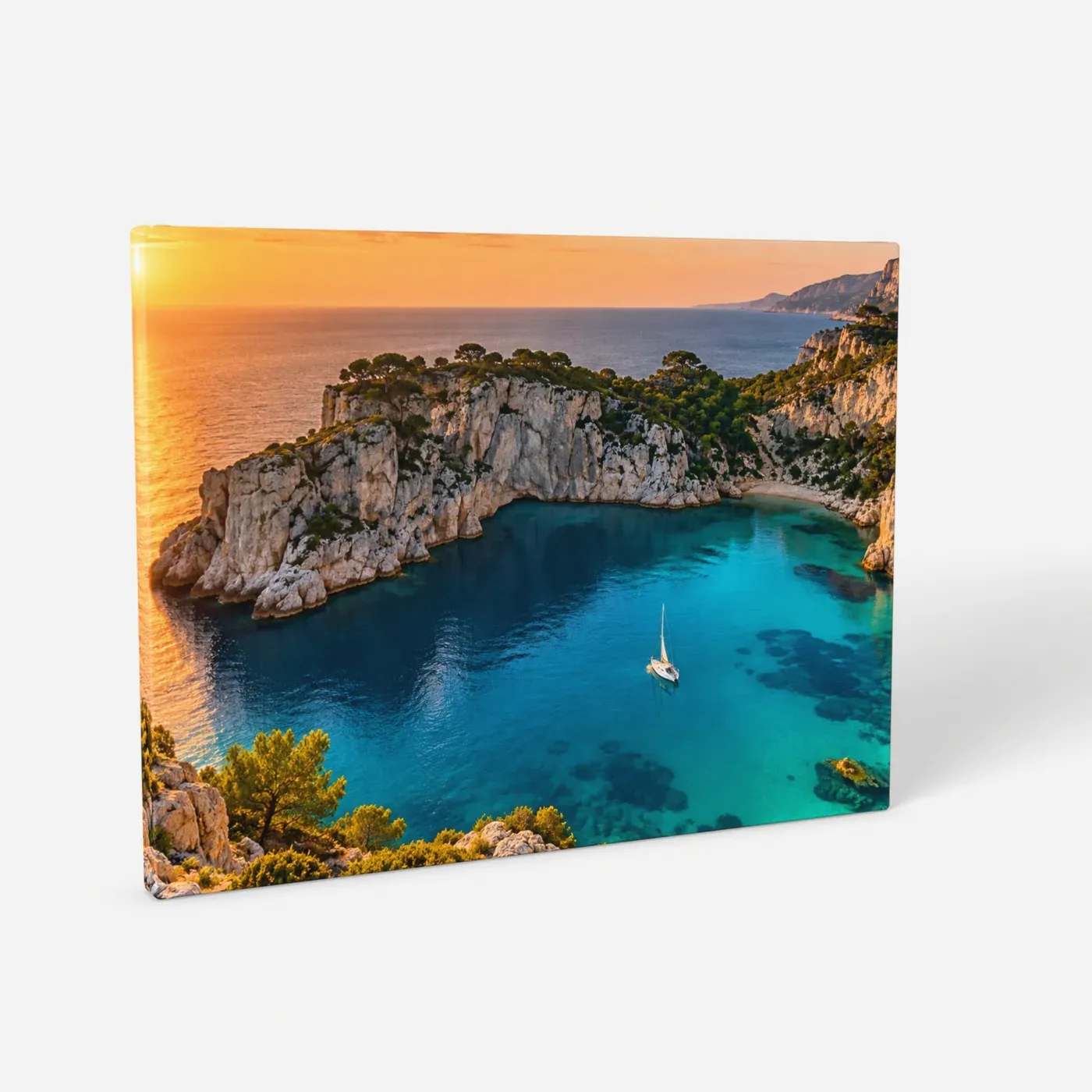
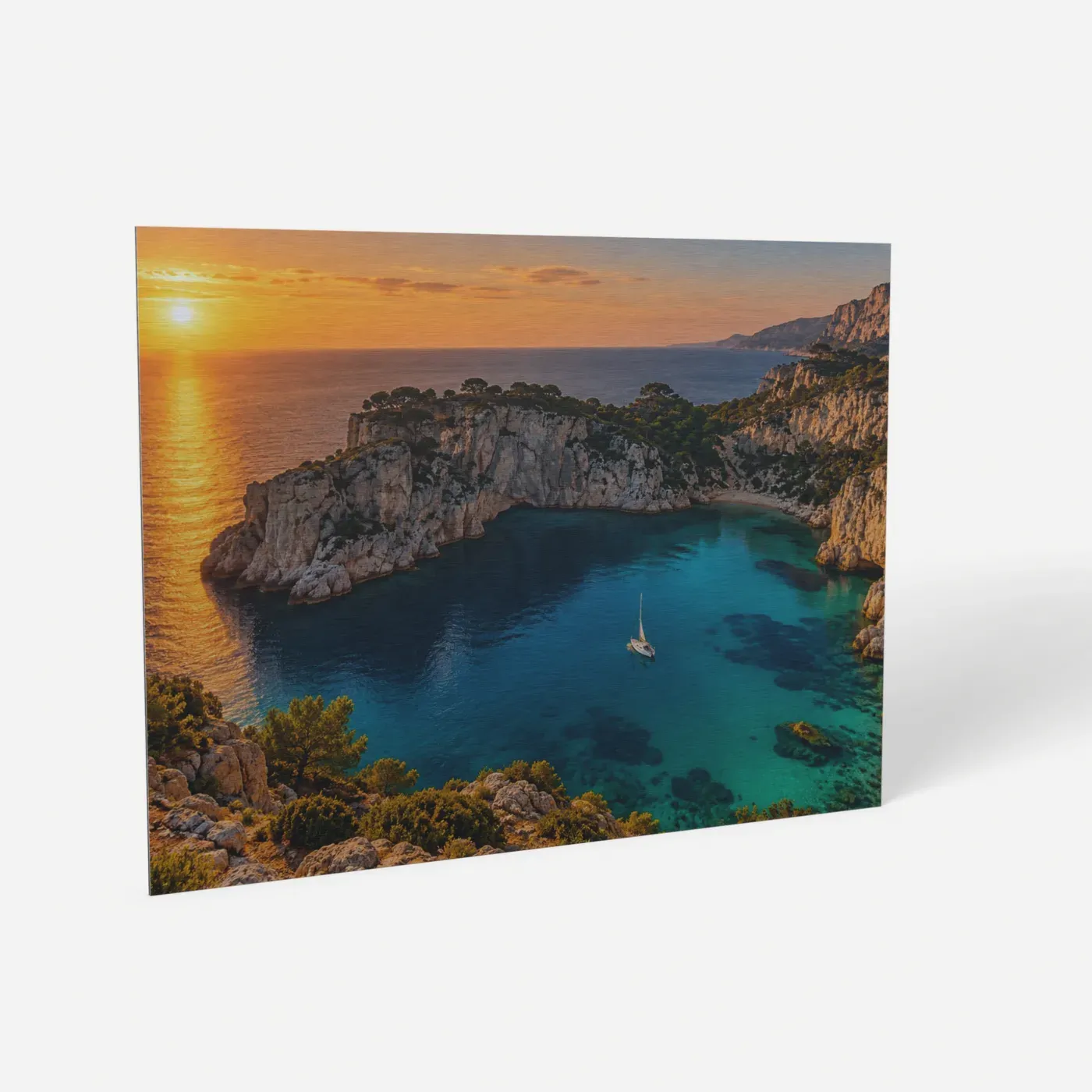
Canvas, aluminium, plexiglass or dibond compared
Canvas, aluminium, plexiglass and dibond prints compared: how each looks, which suits photos or paintings, prices at 40 × 60 and 60 × 90 cm, and hanging.
Make your photo book
Upload your PDF and see every page, gutter or flat, before you pay.