A1 poster printing
A1 is the size people read standing up, like a wedding seating chart or an event poster. Upload a PDF, JPEG or PNG and order one copy or more.
See sizes and prices- 01
- Twice the size of A2
- 02
- Portrait or landscape
- 03
- From one copy
 Poster
Every size and price
Prices for one piece, including VAT, with the cheapest options. A frame or hanging system is extra.
Print your A1 poster
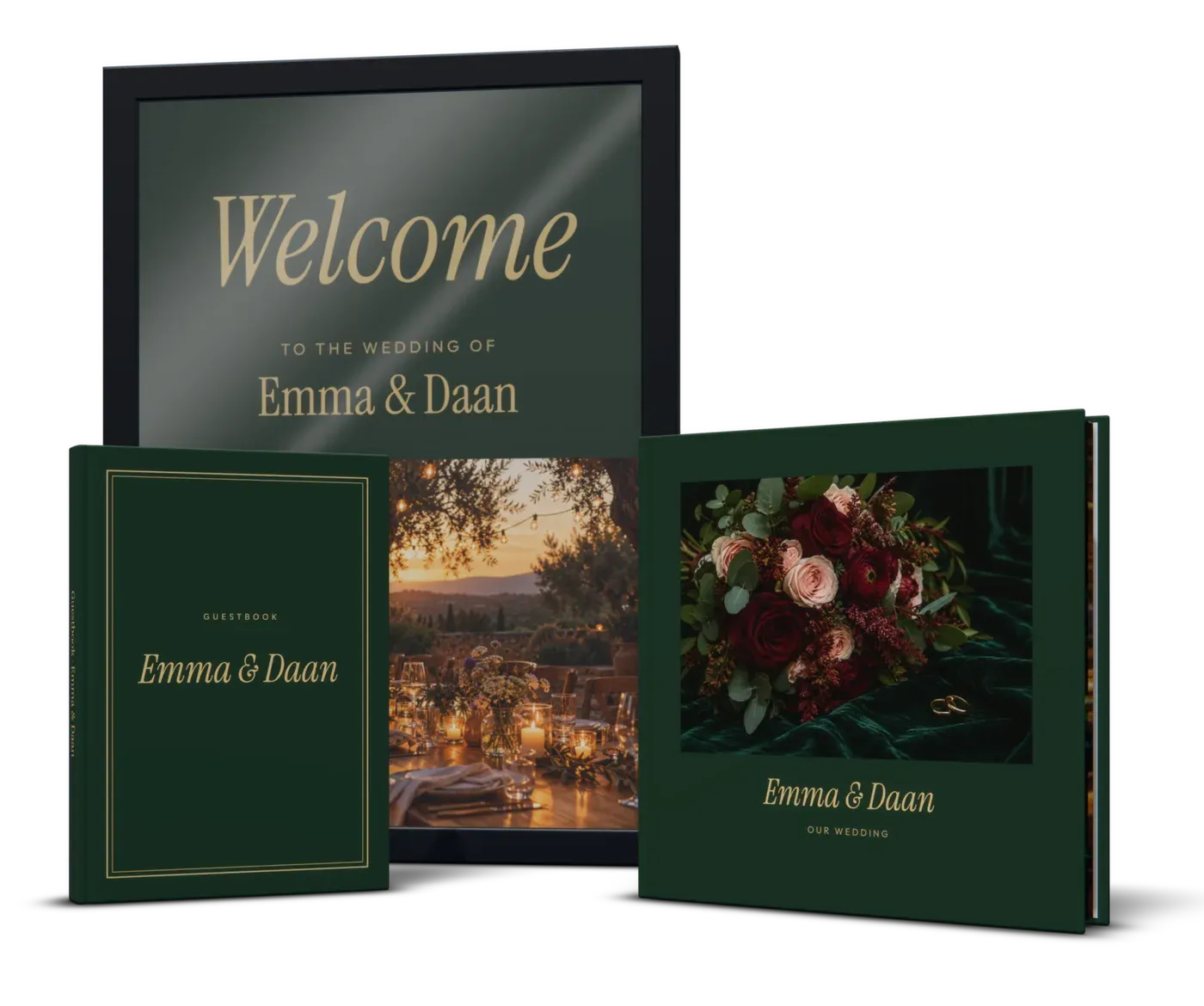
A wedding seating chart on A1
For about 100 guests at 12 tables:
- 1
A grid of tables, portrait
Four columns and three rows of table blocks, with 30 mm margins and 10 mm between columns. Each block is then about 12.5 cm wide, room for a table name and eight guests.
- 2
Names at 30 to 36 pt
Letters about 8 mm tall, readable from 1.5 metres. Table names at 48 pt or more, the title at the top 100 pt or more.
- 3
Over 120 guests: alphabetical
List guests by surname with their table number, in four columns. Or print two A1s, A-K and L-Z.
- 4
Mount it
Paper sags on an easel. Tape it to a foam board, or use an A1 frame with acrylic instead of glass.
- 5
Order when the list is final
Guests swap tables until the last week. One A1 seating chart costs from €14.99. For the rest of the day's print, see wedding albums and guestbooks.
An event poster on A1
One image, one title, one date
Someone walking past looks for about three seconds. The rest is for the people who stop.
Order of information
Event name, day and time, place, then a short web address or a QR code of at least 3 × 3 cm.
Letter height
About 2.5 cm of letter height per 3 metres of distance. A title read from 6 metres needs capitals about 5 cm tall, roughly 200 pt.
Date and place in the middle
Eyes land around the middle of a hung A1. Put the practical details there, not at the bottom where a table hides them.
Is my photo sharp enough for A1?
A photo printed across the whole A1. Our minimum is 150 dpi.
Phone, 12 megapixels
- Pixels
- 4032 × 3024
- On A1
- about 120 dpi
- Verdict
- Soft up close; fine from 2 m for a landscape
Camera, 24 megapixels
- Pixels
- 6000 × 4000
- On A1
- about 180 dpi
- Verdict
- Good
Phone or camera, 48 megapixels
- Pixels
- 8064 × 6048
- On A1
- about 240 dpi
- Verdict
- Very good
Many 48-megapixel phones save 12-megapixel photos by default. Check the pixels in the file details.
Framing an A1
Buy a frame labelled A1 (59.4 × 84.1 cm); poster sizes lists which other shop frames fit.
How it works
Upload your file
Choose a product, a size and options, and add your PDF or photo. We check it right away and show you a preview, before you pay.
We print it
We print your order in the Netherlands on the paper or material you chose, from a single piece. No minimum order, no account needed.
We bring it to your door
We ship it to every country of the EU, with tracking. The checkout shows the delivery date for your address.
Questions
How many names fit on an A1 seating chart?
What resolution does an A1 poster need?
How much does an A1 poster cost?
Can I make an A1 poster in Canva?
More ideas and guides
All ideas and guidesA0 poster printing
Print an A0 poster from one copy: a scientific poster, building plan or map. Font sizes, pixel dimensions, file setup and how to keep drawings to scale.
A2 poster printing
Print an A2 poster for your room, framed or with a poster hanger. Which phone photos print sharp, gallery wall layouts and how high to hang an A2 poster.
Wedding album printing, and a guestbook to match
Wedding album printing from one copy: a layflat that opens flat, from your own PDF or your photographer's spreads. Plus the guestbook and the seating chart.
Poster sizes
Every poster size from 20 × 30 cm to A0, drawn to scale. How the A sizes work, the pixels each size needs, which size suits your wall and which frame fits.
Print your Canva design as a poster, book or calendar
Print a Canva design as a poster, book, magazine or calendar: the page size to type, print bleed, the PDF Print settings and a book cover with spine.
A5 book printing
A5 book printing from one copy: paperback, hardcover, spiral or layflat. A5 next to trade sizes, font sizes, page counts and setting up your PDF.
Print your A1 poster
Upload your file, check the preview and order one copy or more.